After losing my first new car to a Philadelphia theft ring, I spent a lot of time learning exactly how Hondas are stolen and what specifically counters each method. The setup below isn't exhaustive. There are more products you can add. But it's a solid, layered foundation that addresses the three biggest threats Honda owners face right now.
Layer 1: Block Electronic Key Theft
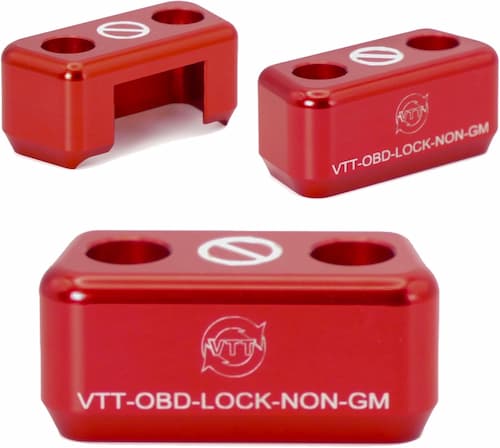
VTT OBD-Lock
Addresses the #1 current method: thieves plugging a programming device into the OBD port to clone or create a key in under 60 seconds. This is the first thing I installed and the most important one.
Install time: Under 5 minutes, no tools. Daily routine: None. It stays in permanently until a mechanic needs port access.
Layer 2: Physical Deterrent
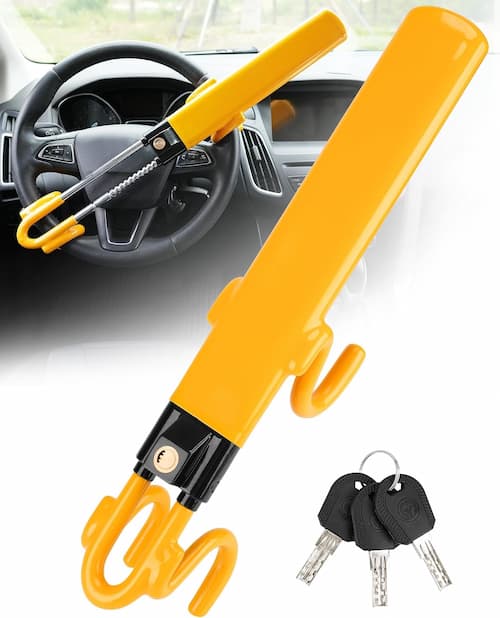
Steering Wheel Lock
Visible before anyone approaches the car. Signals to crews surveilling the area that this vehicle is hardened. It's the easiest signal to send with the lowest daily friction.
Install time: 30 seconds. Daily routine: Install when you park, remove when you drive. Becomes habit quickly.
Layer 3: Front Sensor Protection
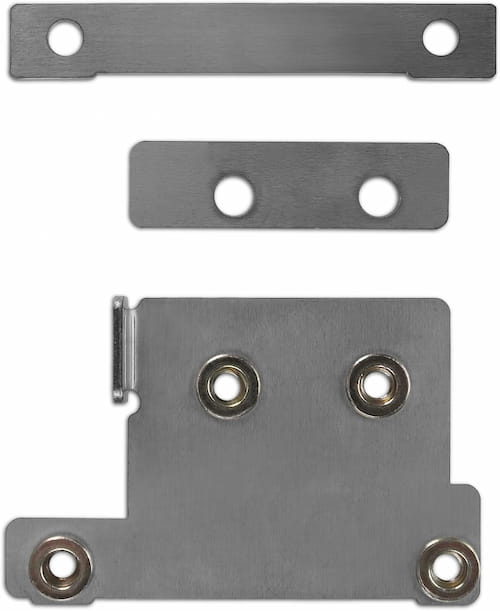
Miller CAT Radar Shield
Protects the front radar sensor that powers Honda Sensing. The sensor carries no VIN and has a strong secondary market value. That makes it a target for parts theft rings. This three-piece stainless steel bracket makes removal significantly harder. Note: fits 2023–2026 Accord and CR-V only.
Install time: DIY-friendly with a trim tool, 3mm Allen wrench, and bit driver. Daily routine: None. It's permanently mounted.
Layer 4: Relay Attack Defense
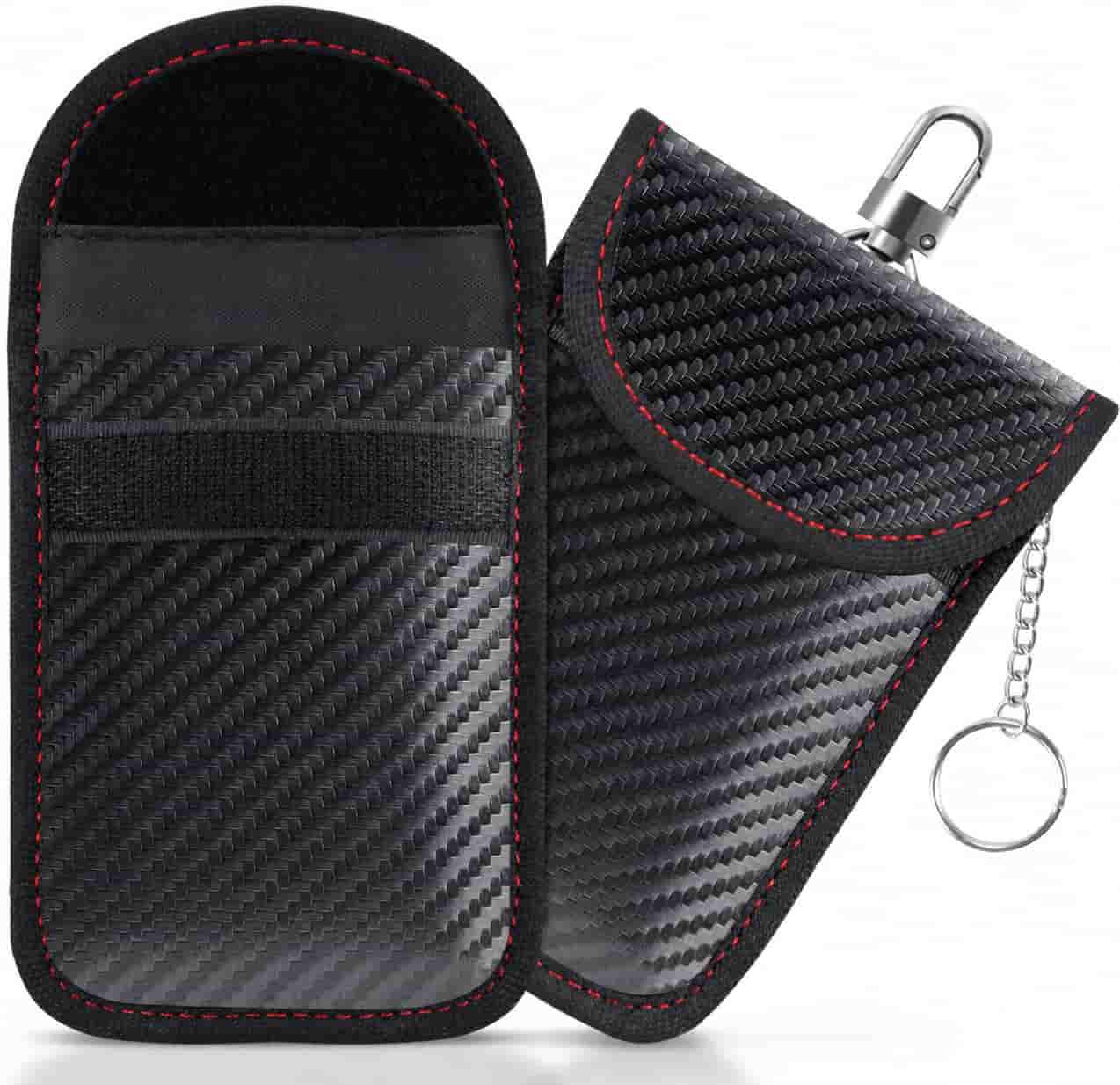
Faraday Key Fob Bag
Blocks relay attacks. Thieves use two signal amplifiers to extend your key fob's passive RFID signal across your house and start the car while your keys are inside. A Faraday bag lined with copper mesh eliminates the signal entirely. No signal, no relay, no attack. Works on all Honda key fobs.
Install time: Zero. Daily routine: Drop the key fob in when you're home for the night. Take it out when you leave. That's it.
Questions about the setup?
Check the FAQ for compatibility and installation questions.
See the FAQ →